

LG is a world-recognised electronics brand which was founded over 60 years ago in South Korea.
Today, LG offers a tonne of different products from kitchen appliances to home entertainment systems. Whether you’ve opted for a soundbar from LG or a refrigerator, washing machine or television, LG looks to have a solution for every aspect of the home.
Nowadays, LG TV’s come with a whole host of features. Some of the technological advancements make our lives easier, however, sometimes its best to keep things simple for fear of complicating our home entertainment systems to a point of no return.
If you’re experiencing issues with your television in 2020, such as an LG TV with live zoom stuck at 120, let’s take a look at how to fix it.
What is LG TV Live Zoom?
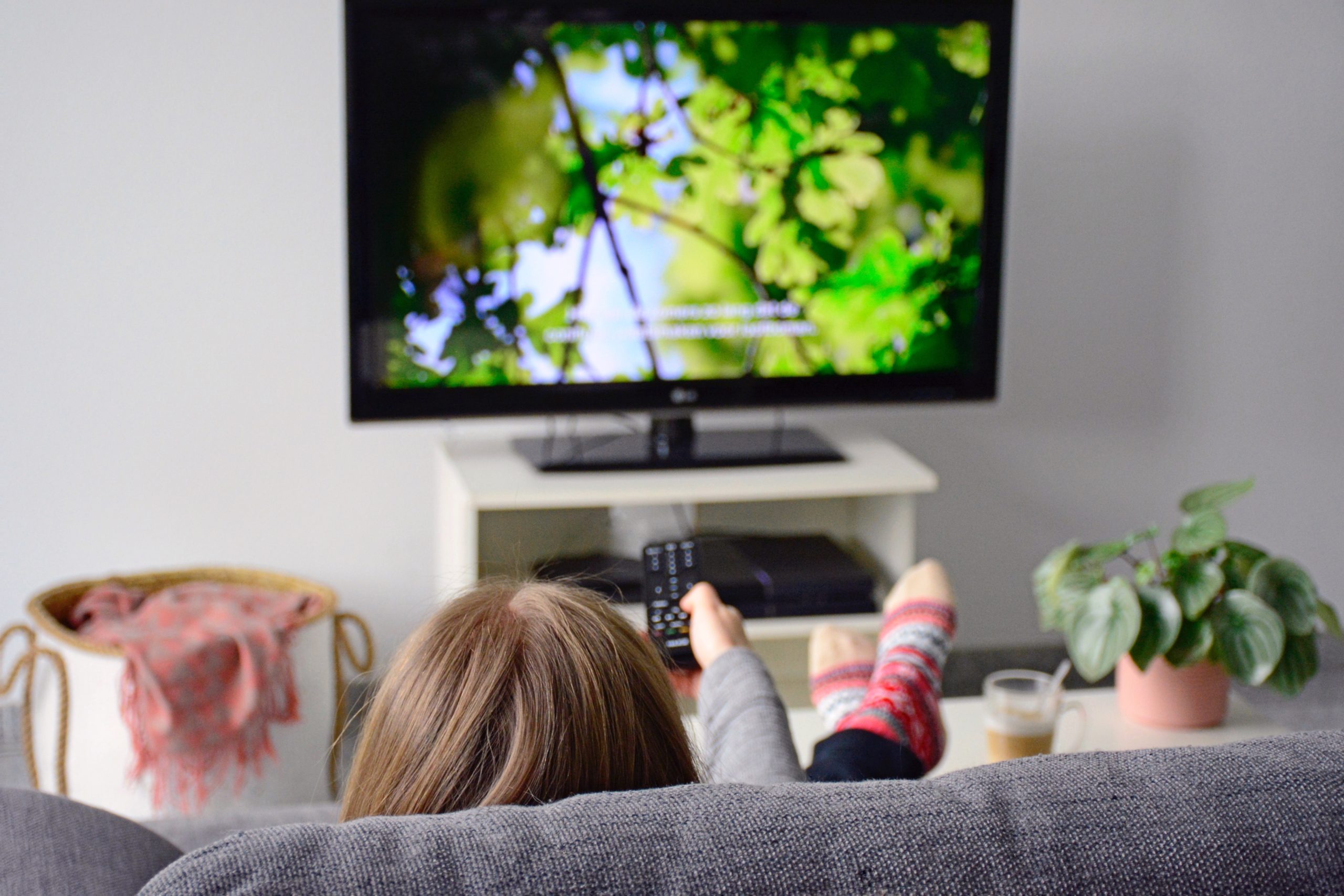
LG TVs and TVs, in general, come with a variety of Smart features in 2020. Live Zoom on an LG TV allows the viewer to zoom in on live television via a button on the LG remote control.
Magic Zoom feature requires just one click. So, whether it’s an iconic goal scored or the boxing event of the year that you want to zoom in on, now you can.
Can you watch Britbox on an LG TV? Samsung and more explored
LG TV: Live Zoom stuck at 120
Smart features, specifically the Live Zoom feature on the LG TV, are fantastic advancements for our TV viewing. However, as with a lot of electronics, we can encounter the odd error.
So, what do you do if Live Zoom is stuck at 120%?
Firstly, using your remote control, go to your LG TV settings.
- Select ‘All Settings’ > Picture > Aspect Ratio Settings > beside ‘Just Scan’, set to “On.”
If you’re using the Live Zoom feature, please follow the steps below.
- Menu > Picture > Aspect Ratio > select “Zoom” or “Cinema Zoom > adjust the zoom level using the ‘left’ and ‘right’ keys on the remote control > adjust the image location on the screen using the ‘up’ and ‘down’ keys on the remote control.
Alternatively, if you’re still having no luck altering the zoom settings, a factory reset may be in order. To do this you will need your LG remote control. Please follow the steps below.
- Settings > General > Reset to Initial Settings > Confirm.
https://www.instagram.com/p/B8eY5OQFDps/
How do I change the aspect ratio on my LG TV?
If you suspect that it may be the aspect ratio is out of sorts or has been disabled, you can reset it by going through the following steps.
Revert back to the default aspect ratio by selecting ‘Home’ on your remote control.
- Click Menu > Settings > Picture > Aspect Ratio.
- You should now see these screen options:16:9, Just Scan, Original, Full Wide, 4:3, 14:9, Zoom, Cinema Zoom.
- Select whichever screen option is most suitable for your TV.
Two fixes if your LG Aristo volume button is not working