

Sometimes your Sky Q won’t connect to your BT Hub no matter how many times you try so we decided to investigate and came up with a solution.
The Sky Q has a whole host of issues when it comes to glitches and errors but thankfully most of them are simple and easy to solve.
Some customers are reporting that their new BT Hub won’t connect to their Sky Q box for no apparent reason.
BT and Sky have been fairly quiet on the topic so we thought we’d have a look into it and managed to find a simple enough solution to get it sorted.
Continue reading to find out the root cause and the easiest way to fix this mess.
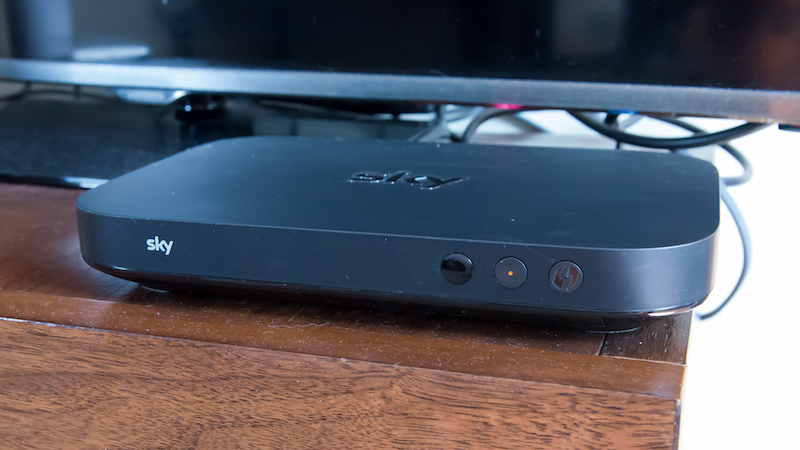
What could be causing this issue?
Although this appears to be a connectivity error it is not something that can be solved by simply restarting the box or your router.
Instead, the new BT Hubs have a problem with the Sky Q box smart settings so it’s a glitch in it’s simplest form, they just aren’t compatible.
Luckily this can be solved for the majority of people by disabling smart settings as shown below.
Is the Panasonic GH5 worth the huge price tag it holds? Review to great alternatives!
You need to turn off Smart Setup
Turning off smart settings should allow you the freedom to connect your Sky Q without issue
Open a new web browser on a device connected to your Hub and type 192.168.1.254 in the address bar. This will open the Hub manager
Click “Smart Setup”. Enter the admin password. Unless you’ve previously changed it, you’ll find the default password on your Hub settings card on the back of your Hub.
Click the On/off button to turn Smart Setup on or off. Remember once you make any changes you’ll need to save them. Click Save.
Need help with TalkTalk TV issue yvm104? Here’s how to solve it
What is Smart Setup and is it important?
Smart Setup was introduced by BT not too long ago and it’s supposed to make it easier to add things to your network.
For the most part, it works great and everything new that comes into your household connects easily.
For whatever reason, the Sky Q isn’t compatible with this software which rejects its request to join.
You can go ahead and turn Smart Setup back on once the Sky Q has connected to keep extra fast connection for every other device you have.
ARE YOU HAVING ISSUES WITH YOUR DIGITAL DEVICE? CALL DIGI HELPDESK TODAY ON 0800 433 7963.