
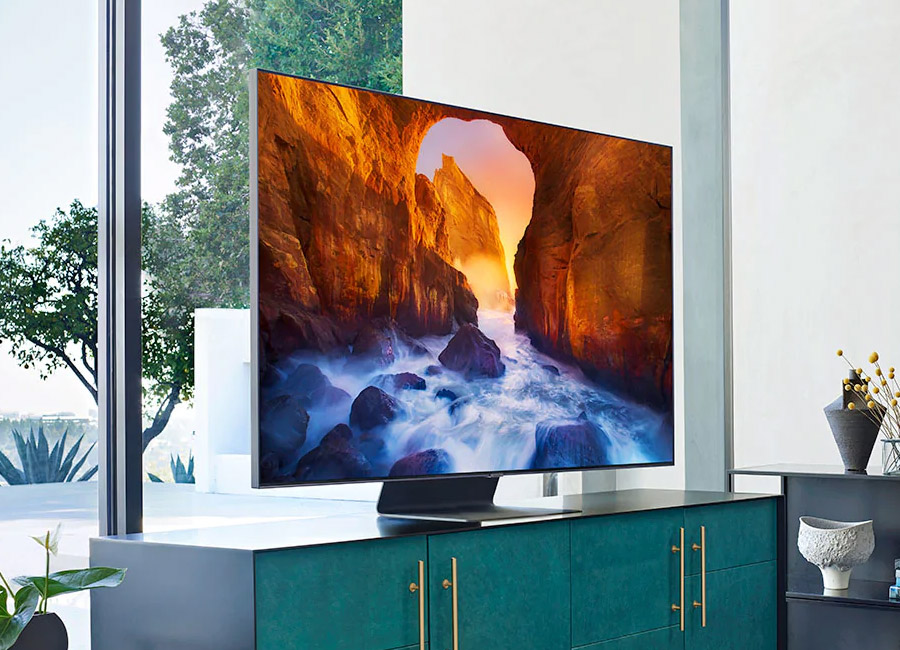
Customers are complaining that their Hisense TV keeps disconnecting from their WiFi so we’ve come up with a solution to help those struggling.
A glitch that you don’t know how to solve that makes your smart TV unusable can be one of the most irritating things about technology.
We asked our experts to search the web and come up with a firm answer on how to solve this problem and it’s easier than it sounds.
WiFi issues dominate forums more than anything and it’s worth testing your WiFi strength and seeing if you can get a better deal from any competitors in your area.
Keep reading and hopefully, your Hisense TV will connect to the WiFi sooner rather than later.

Why is my Hisense TV disconnecting from my WiFi?
If you can rule out that it isn’t a dodgy WiFi connection on your end then there is only one thing it can be.
A firmware error or glitch is the culprit when it comes to your Hisense TV and the inability to stay connected to your WiFi.
Firmware is the computer software which is the foundation that allows your TV to work.
There have been many updates given out by Hisense to try and fix this issue and should be solved by following the firmware update steps below.
When are the Freeview retune dates in 2020? How and when to retune!
How can I get it to stay connected to my WiFi?
Using the wrong firmware or installing it incorrectly can stop a product working, such as not connecting to your WiFi, and so it’s important that you know what you’re doing.
If there is an available firmware version available, Hisense Customer Support will provide access to it immediately along with instructions on how to update it.
For some models, you can update your firmware directly from the TV itself, so make sure you can connect to the internet, if only for a short time.
Press the settings button on your Hisense remote. Navigate to “All”, “About” and “Software Update”. Press “Detect” to get the latest firmware.
Samsung Galaxy A20e: Reviewed just in time for Black Friday!
TV deals we know that you’ll love
Just fancy a new TV instead? Here are some great models that we highly endorse, we have something for everyone’s budget.
If you don’t have much to spend on a TV then we think this 43-inch Samsung from Currys for £299 gives you an amazing bang for your buck.
Slightly more expensive at £525, you can pick up this Sony Bravia from John Lewis with it’s Ultra HD capabilities on offer.
If you want to break the bank then we have the aesthetically pleasing Saming The Frame on offer in John Lewis for £999 and it might be one of the best TVs we’ve ever reviewed.
ARE YOU HAVING ISSUES WITH YOUR DIGITAL DEVICE? CALL DIGI HELPDESK TODAY ON 0800 433 7963.