
Imagine you are deep into your gameplay with Fortnite and you’re suddenly interrupted. Fortnite error code 93 can be the likely cause that can stop you from interacting with your friends.
The Fortnite error code 93 can pop-up at a moment’s notice. Usually, this happens when you want to join a party with your friends. Therefore, we will bring you the most likely fixes for this error code and how to diagnose the problem.
We will provide you with the most likely fixes to the error. Plus, some other workarounds which can help you out in other areas of the game.
What Does An Error Code Mean?
When an error code is displayed on the screen, it simply means that the software or system has malfunctioned. An error code is generated for each specific fault to help diagnose the problem.
Once you have the error code, it’s a simple matter of looking up the solution. Most errors have been experienced in the past. This means there’s usually a fix documented online, in the help files, or from customer support.
What Is the Fortnite Error Code 93?
The Fortnite error code 93 usually occurs when trying to join a party. The error is usually displayed with the text, ‘Party services are currently experiencing technical difficulties’, ‘Please try again later’, or ‘The party is currently not responding to join requests.’
As the error usually comes from the game servers, it can happen on any platform. This point also means that you may not be able to fix the error on your own. Most likely you will have to wait for the game servers to come back online. In this case, it’s worth trying the game every few minutes to see if you can reconnect. In many cases, the servers are experiencing temporary connection issues or downtime.
How Do I Fix Error Code 93 on Fortnite?
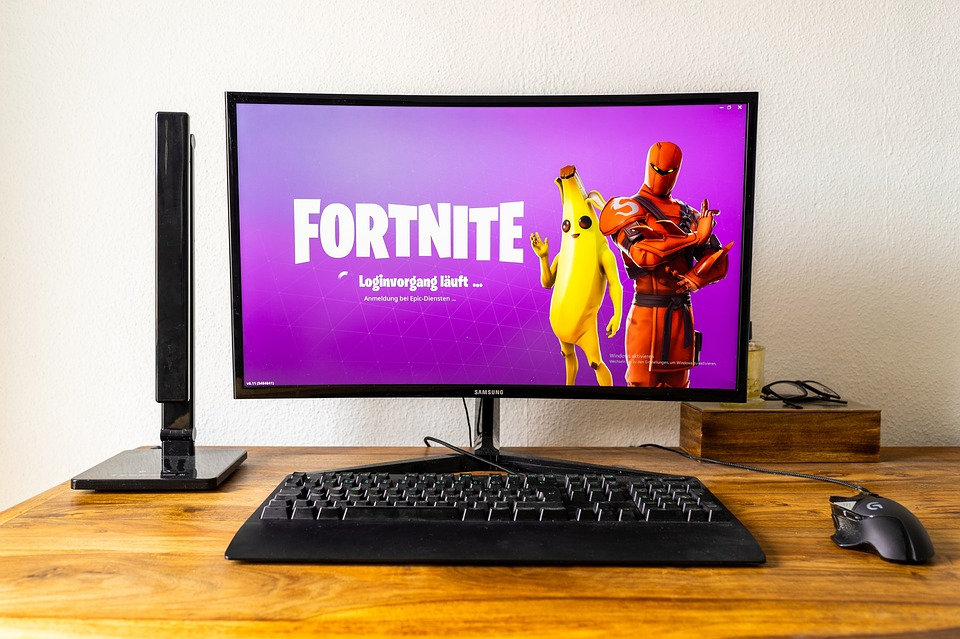
If you are unable to join a party or experience an on-screen Fortnite code 93 error, firstly check for a server issue. The Fortnite Twitter page will list any current server issues.
Checking Internet Connections
Also, check your own Internet connection. Switch off your router, then wait 5 minutes before switching it back on. It’s best to check your Internet with a hardwired connection rather than with Wi-Fi. On mobile devices, disconnect then reconnect the Internet connection in settings.
There may also be a bug or software error that is causing connection issues. In this case, close then restart Fortnite. If this doesn’t remedy the issue, try restarting your device.
The error code 93 may also pop-up when you have a corrupt file. When the error code 93 is displayed on the screen, it may say which file is at fault. If not, you will have to manually check which file is causing the problems. This is best done on a computer by going to –
- ‘Epic Games Launcher’ > ‘Settings ‘ > ‘Verify.’
- The system will then check all files and which are missing.
Missing DLL Files
Computer-based .dll files may also be the cause of the 93 error. An on-screen prompt should tell you which .dll file is causing the error. The file ‘Msvcop.140.dll’ error means Microsoft Visual C++ needs updating. A full update can be downloaded from the Microsoft website.
The same process is needed for the file error ‘VCRUNTIME140.dll.’ Once you have downloaded the latest Visual C++ update,
- follow the on-screen prompts, repair or replace files, then restart your computer.
- If you still encounter .dll errors, then contact Microsoft Support.
Other Fornite Error Code 93 Fixes
The error code 93 can be fixed with other workarounds. These workarounds have been found to work for some users. Try a private party by changing the party type from private to public. This will then allow you to access your epic friends list. Another weird fix is simply changing to a ‘new skin.’
- Simply log out of the game, log back in and choose another skin from the inventory.
- From there you should be able to rejoin a solo queue and then join a friend’s party.
The epic friends list can also be used as a workaround. If you’re not already friends with someone, log into your Epic account, then add your friend. Once they accept your invitation, you should be able to join their party. This method only works if you’re not already friends with the person.
Another possible workaround is to change your lobby to ‘public’. This will allow people to join your party. For this step,
- go to ‘Settings ‘ > ‘Lobby menu’ > ‘set to public.’
How Do I Fix A Fortnite Crash?
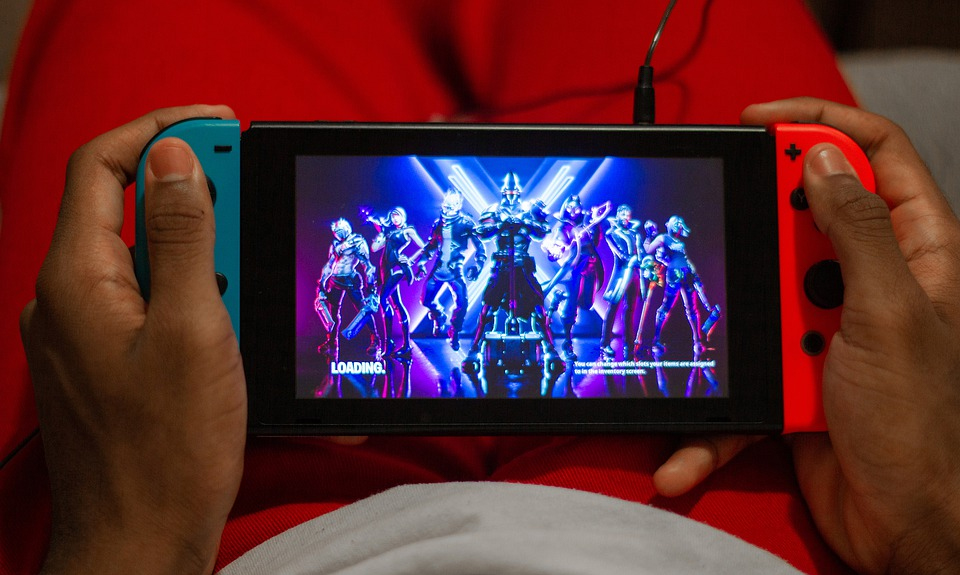
If you have a general Fortnite crash, then there are possible solutions. Check that your system meets the minimum requirements for the game. The game and its website will list all minimum requirements. Verify all the game files are present, run the launcher as an administrator, and update video drivers.
If you are running Fortnite on a computer, update to the latest version of direct X, and/or adjust the compatibility mode.
Summary of The Fortnite Error Code 93
Although there isn’t one conclusive fixed to the error code 93, there are plenty of fix options. If you are experiencing this error and you want to join a party, simply follow the steps above.
We have listed the steps above from the simplest to the most involved. The simplest step should help most people out the majority of the time. However, when there is a server status issue, the fault can be out of your hands. In this case, you may simply have to wait for the servers to come back online.
No matter if you’re playing on a PC, Xbox One, Playstation or smartphone, the simple checks above have been found to solve the problem the majority of the time. If all else fails, you can simply contact Epic customer support service.
Many times a simple update, such as installing the latest Fortnite patch will do the trick. As with any game, make sure all your files and drivers are fully up-to-date.
We hope that you have found this article useful. If so, please comment below with your own personal workarounds. Also, please share the article on social media, as it may just help somebody else out.